

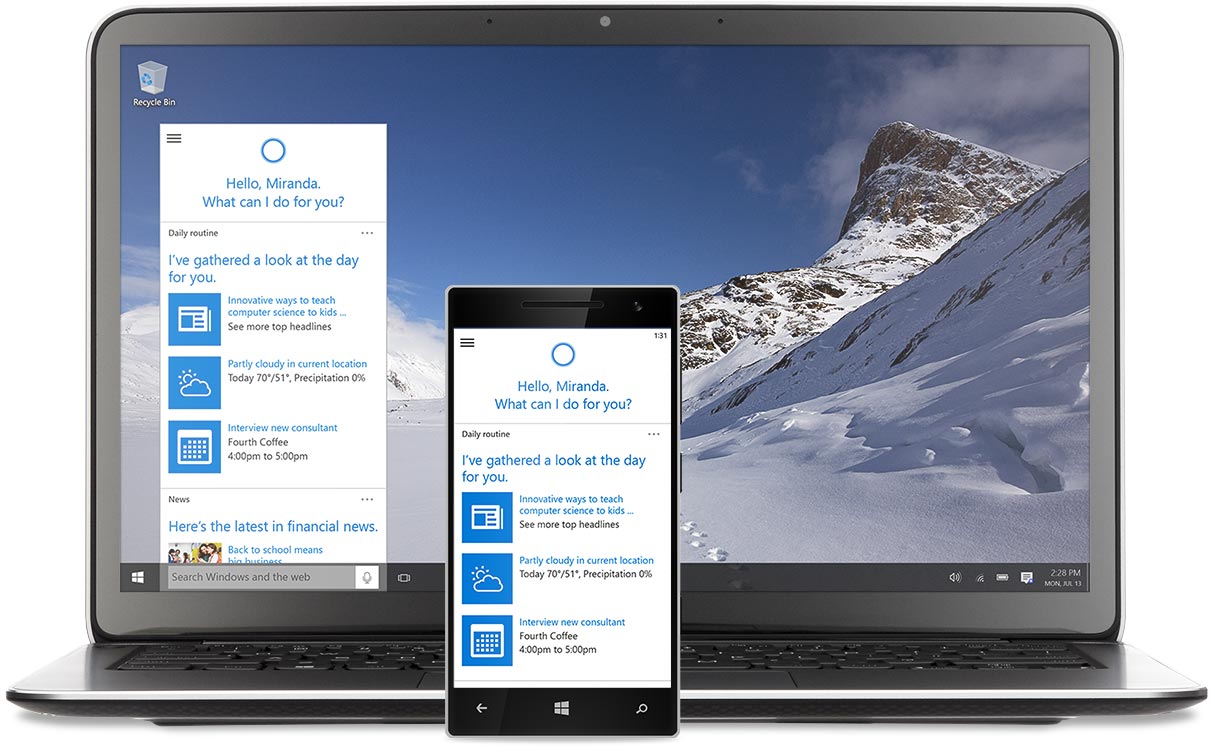
Windows 10 is coming! On July 29, 2015, Microsoft’s newest operating system will be available for download in 190 countries and in 111 languages. Early previews reveal some exciting features. It looks to be an OS that will combine the strengths of Windows 7 and Windows 8.1, and will also add in some intuitive and helpful features which we’ll cover here.
Optimized for all devices, Windows 10 is shooting for becoming a go-to OS across all Windows platform devices, not only for PCs. There will be seven versions of Microsoft 10 in all, and each one is built to provide updated interfaces for desktops, laptops, tablets, smartphones, ATMs, point-of-sales (POS), and even robotic devices!
There’s a fair amount of buzz out there, and we endeavor to help you figure out what the fuss is about. So without further ado, let’s take a look at some of the new features of Microsoft 10.
New Feature Highlights
Cortana
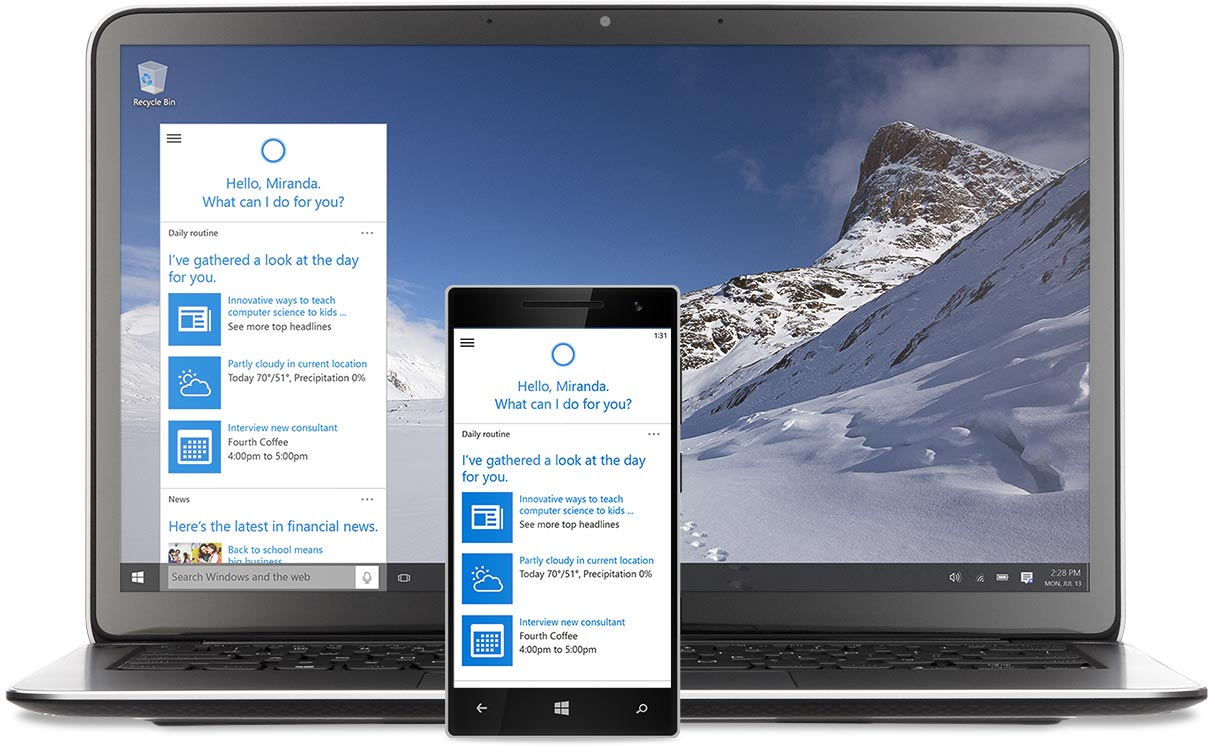 Cortana is Microsoft’s answer to Siri and Google Now: a personal digital assistant baked into Windows 10 that helps you get the most out of your connected devices. Cortana uses artificial intelligence to gather information about your behavior, interests and how you use your device. As she accumulates data, Cortana will be able to provide a personalized experience for its users.
She can help ensure you get your reminders at the right time by analyzing the times of day that you are accessing your machine. She can also manage Microsoft Edge, the new browser that comes with the OS, by giving you the ability to perform key actions without having to leave the page you are currently viewing.
Multi-doing
Multi-tasking has become an essential component of business, which is why many office workers now use two or more monitors. Windows 10 takes this concept a step further with its “Multi-doing” feature, which allows you to easily and quickly snap up to four applications into place on your desktop, reducing the need to tab between open windows. If you need more than four tiles, you can also create virtual desktops, which can also be split-screened into four tiles.
Excellent Start Menu
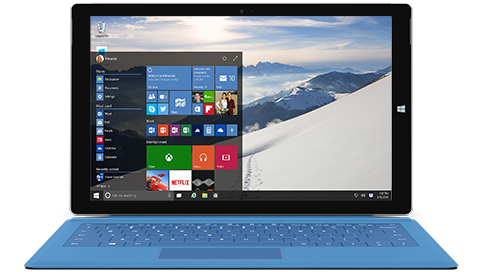 The removal of the start menu was the primary reason why many Windows 7 users chose not to upgrade to Windows 8. To address the issue, Microsoft released a free update that upgraded Widows 8 to Windows 8.1, which brought back the start menu. The start menu of the new OS is a combination of the strengths of its predecessors. The size of the start menu can be customized to suit your tastes. Your most used apps are immediately shown. Running apps have a line underneath their respective icons. You can also customize the file explorer to readily show folders you often access.
Improved Security
Windows 10 also gives the option to have security updates installed automatically as they are released in real time. Previously, Windows only allowed you to check for updates daily. This new incarnation will continuously check for and install updates and fixes as they are released to ensure maximum security for your device. Windows 10 will also not require a restart for most updates, which is a reason to celebrate!
Free Upgrade
Users with licensed versions of Windows 7, Windows 8 and Windows 8.1 can upgrade their OS to Windows 10 for free anytime during the first year. You can even make a reservation today so that your PC will automatically download the 3 GB update once Windows 10 is officially launched. Just like ordinary updates, the Windows 10 upgrade will be downloaded in the background and will not interfere with the regular use of your machine. If you’re still running XP or Vista, however, there will not be a direct upgrade offered. In this case, you’ll need to perform a clean install to get the latest version of Windows.
Verdict
Dynamic Quest highly recommends getting the Windows 10 upgrade especially during the first year for Win7 and 8 users (you can’t be a $0 price tag). Consider waiting a month or two before doing so, however, just to give time for the respective developers of your apps to make their software fully compatible with this new version of Windows. Also – always a safe move – consider installing the update on one or two workstations only within your organization initially so you can test to see if there are any conflicts or incompatibilities.
Want to learn more about the specifics of Windows 10 or how to best make an enterprise-wide update? Contact Dynamic Quest!